
 blog
blog
Best CRM for Landscaping Companies in 2026
Table of Contents
- What Makes the Best CRM for Landscaping Companies
- Key Features to Look for in Landscaping CRM Software
- Industry-Specific vs. General CRM Platforms
- Best AI Receptionist for Landscaping Lead Management
- Landscaping Job Scheduling App Integration
- Automating Landscaping Lead Qualification
- How to Choose the Right CRM for Your Business Size
- Migration, Onboarding, and Offline Functionality
- Frequently Asked Questions
Last Updated: September 29, 2026
What Makes the Best CRM for Landscaping Companies
The best CRM for landscaping companies combines field service management with customer relationship tracking in a single platform. Unlike general business software, landscaping-specific solutions handle job scheduling, crew dispatching, property measurement, and automated estimates, all critical to how your business actually operates.
According to industry analysis from The Grow Group, the shift toward industry-specific field service management software reflects a fundamental difference: general CRM platforms treat everything as customer-level data, whereas landscaping tools focus on job-site and scheduling workflows. This distinction matters because your business doesn't just manage customers, it manages properties, crews, equipment, and recurring service schedules across multiple locations.
The right CRM eliminates the friction of juggling separate tools, becoming your operational backbone from lead capture through payment collection.
Key Features to Look for in Landscaping CRM Software
Evaluating a landscaping CRM means prioritizing features that directly impact your profitability and operational efficiency. The best platforms combine lead management, job scheduling, mobile field access, and financial tracking into one cohesive system.
Field Service Management and Job Scheduling
Field service management handles job creation, crew assignment, route optimization, and real-time status updates, keeping your team coordinated and schedule optimized.
Crews need instant access to job history, customer preferences, and quoted vs. delivered work on mobile devices, eliminating paper notes and office callbacks.
Route optimization calculates the most logical job sequence based on geography, duration, and crew availability, saving hours of drive time and fuel costs weekly.
Work order management integrates with scheduling so changes cascade automatically, early finishes trigger next-job suggestions, cancellations immediately reopen slots.
Lead Tracking and Automated Estimates
Lead tracking captures inquiries from all sources and routes them to the right team member, tracking follow-up activity, win rates, and conversion timelines.
Automated estimates generate professional quotes in minutes rather than hours, with templates for recurring services that turn manual processes into a few clicks.
Integration of satellite property measurement with CRM, a feature highlighted by landscaping software analysis from MyQuoteIQ, means you can measure square footage, identify hardscape areas, and assess terrain without a site visit. This speeds up quoting and reduces back-and-forth communication.
Mobile Field App and Real-Time Updates
A mobile field app is non-negotiable, displaying job details, customer contact, photo capture, signatures, and time tracking.
Real-time updates let the office see job status and crews request approval instantly for additional work. Customers appreciate visibility into crew arrival and completion times.
The app should work offline, allowing crews to access job details, log time, and capture photos even without signal, syncing once connectivity returns.
Industry-Specific vs. General CRM Platforms
The choice between a landscaping-specific CRM and a general platform like HubSpot or Salesforce is more significant than it appears, and the decision hinges on how much friction you're willing to accept during setup and ongoing operations.
General CRM platforms excel at managing customer relationships and sales pipelines but treat all business types identically. They lack native job scheduling, crew dispatch, route optimization, or field service workflows. Using one for landscaping requires building custom fields, integrating separate tools (creating data silos and complexity), or adapting your business to fit the software. Implementation timelines stretch 3-6 months with significant consulting costs, and teams often struggle because the software's mental model doesn't match landscaping workflows.
Landscaping-specific platforms (such as LMN, Jobber, or Service Autopilot) build their architecture around job scheduling, crew management, and field operations. Built-in features include route optimization, GPS time tracking, job costing, offline-capable mobile apps, automated invoicing, and property measurement integration. Your team starts using the system within days, not months. The trade-off is less customization flexibility, you adopt the vendor's workflow model rather than building your own.
A general CRM can incur additional costs when integrating separate tools for scheduling and invoicing, leading to higher overall monthly spending across multiple systems. In contrast, a landscaping-specific platform often bundles these features. More importantly, managing multiple systems costs time: a team spending hours weekly on manual data entry loses significant time annually, equivalent to a full-time employee.
Choose a general CRM if you operate a hybrid business model and have dedicated IT support. Choose a landscaping-specific platform if you want to get operational quickly, reduce manual data entry, and match your actual workflows. For most landscaping companies, the latter saves time, money, and frustration.
Best AI Receptionist for Landscaping Lead Management
An AI receptionist that answers calls in under two seconds, qualifies leads, and books jobs directly into your CRM eliminates missed calls and manual data entry. Global Velocity's AI employee answers 24/7, qualifies leads using your CRM data, and books jobs directly into scheduling with no data entry friction. AI receptionists can capture more leads simply by answering calls that would otherwise ring unanswered.
Landscaping Job Scheduling App Integration
Your scheduling app must integrate seamlessly with your CRM so job data, customer history, and crew assignments sync automatically. Without integration, you manage two systems with data living in both places, creating confusion and errors. Job scheduling apps should show crew availability, travel time, and capacity planning so dispatchers make intelligent assignments and avoid overcommitting.
Automating Landscaping Lead Qualification
Automated lead qualification captures every inquiry and immediately gathers property location, service type, budget, and timeline. Leads are scored based on your criteria (property size, service type, urgency, budget fit), with high-scoring leads getting immediate follow-up and lower-scoring leads entering nurture sequences. An AI system asks qualification questions more efficiently than a human juggling multiple tasks.
How to Choose the Right CRM for Your Business Size
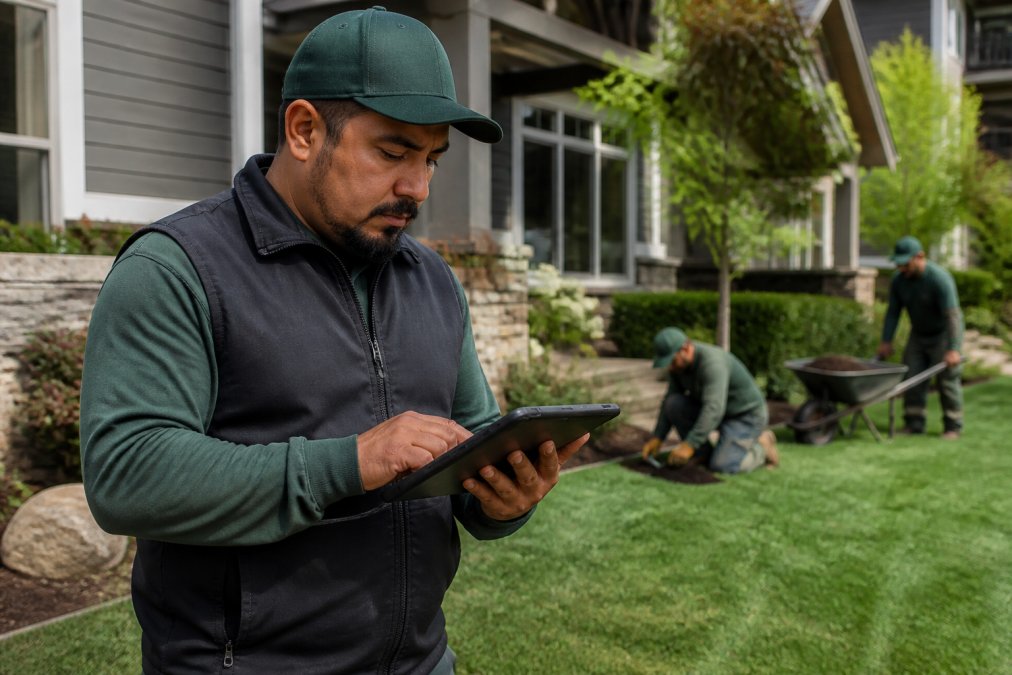
Solo operators and small teams (1-3 people) need simplicity and affordability. You can't afford complex setup or ongoing training. Look for a CRM that handles the essentials: lead capture, job scheduling, invoicing, and mobile access. You're likely managing most jobs yourself, so crew management features are less critical. Look for a platform that works well at this scale.
Growing teams (4-10 people) need crew management, route optimization, and reporting that shows which jobs are profitable. You're delegating more, so mobile field access and real-time updates become essential. You also need better visibility into crew productivity and job profitability. This is where landscaping-specific platforms shine.
Established operations (10+ people) need advanced features: job costing, equipment tracking, multi-location management, and detailed profitability analysis. You're managing multiple crews across different neighborhoods or service areas. You need reporting that shows which service lines are profitable, which crews perform best, and where to optimize. You can justify the cost of more sophisticated platforms.
Pricing for landscaping CRMs ranges from entry-level to enterprise, with QuoteIQ pricing ranging from $29.99 to $699 per month, depending on features and team size.
Migration, Onboarding, and Offline Functionality
Switching CRMs is highly disruptive. Poor migration and onboarding cost weeks of lost productivity, data loss, and team frustration, this is where most CRM implementations fail.
Data migration: The hidden complexity
Onboarding: Getting your team productive
Offline functionality: The field reality
How to evaluate offline capability:
- Visit a job site with poor cellular coverage (rural area, dense trees, underground utilities that interfere with signal)
- Turn off cellular on a test device running the mobile app
- Verify that you can view job details, customer history, and task lists
- Log time, capture a photo, and mark a task complete
- Turn cellular back on and confirm that all changes synced to the server
- Check the office dashboard to confirm the crew's updates appear in real-time
Vendor support during migration and onboarding:
- Import your data and handle cleanup
- Configure your account based on your business model
- Train your team on the system
- Provide dedicated support during the first 4 weeks
- Offer ongoing training and optimization
Frequently Asked Questions
What CRM do most landscaping companies use?
Landscaping businesses choose between two types of CRM solutions: field service-specific platforms, which are built for job-site scheduling and crew management; and general CRM platforms, which treat landscaping data as standard customer information. Field service-specific platforms typically offer better job costing, route optimization, and work order management for landscaping operations, while general platforms work better if you manage multiple service types.
What features should I look for in landscaping management software?
Prioritize field service management capabilities including job scheduling, dispatching, and route optimization. Look for automated estimates and invoicing to reduce administrative time, mobile field apps so crews can access work orders offline, lead tracking and client portal access for customer communication, and integration with your existing payment processing and customer database. Property measurement tools, contract management, and real-time updates help larger operations track profitability and service history across multiple jobs.
Can a CRM help with landscaping job scheduling and invoicing?
Yes. A landscaping-specific CRM automates job scheduling by assigning work to crews, optimizing routes to reduce travel time, and sending real-time updates to field teams. Automated invoicing features generate quotes from job estimates, track time and materials, process payments, and set up recurring billing for maintenance contracts. This automation reduces manual data entry, accelerates payment cycles, and improves crew utilization, which directly increases operational efficiency and profitability.
What is the difference between general CRM and industry-specific landscaping software?
General CRMs treat all data at the customer level, organizing information by client contact and communication history. Landscaping-specific CRMs organize around jobs and field service workflows, tracking work orders, crew assignments, equipment, and site-specific details. Industry-specific platforms include satellite property measurement, crew time tracking, job costing, and dispatching built into the core system. General CRMs require additional integrations or workarounds to handle these field service needs, making them less efficient for operations with multiple jobs per customer or complex scheduling requirements.