 how-to
Can You Automate Appointment Reminders via Text? 2026 Guide
Table of Contents
- Can You Automate Appointment Reminders via Text? Yes, Here's How
- Automated SMS Appointment Reminders: How the Workflow Actually Runs
- Appointment Reminder Text Timing: When to Send Each Message
- Appointment Reminder Text Templates That Get Confirmations
- Choosing Appointment Reminder Software for a Trades Business
- Consent, Opt-Outs, and Compliance for Business Texting
- Common Mistakes That Sink Reminder Workflows
- Conclusion: Start With One Reminder, Then Expand
- Frequently Asked Questions
Last Updated: October 14, 2026
Can You Automate Appointment Reminders via Text? Yes, Here's How
Yes, you can automate appointment reminders via text, and for most trades and service businesses it is one of the highest-return changes you can make to your front desk.
Below, we'll show you exactly how the workflow runs, when each message should go out, and the templates that actually get replies.
Here is the part most guides skip: automating appointment reminders is the easy half.
Automated SMS Appointment Reminders: How the Workflow Actually Runs
Automated SMS appointment reminders work by connecting your calendar to a texting tool, then firing scheduled messages when a booking is created, changed, or approaching. The system does the sending. Your team only steps in when a customer replies with a question.
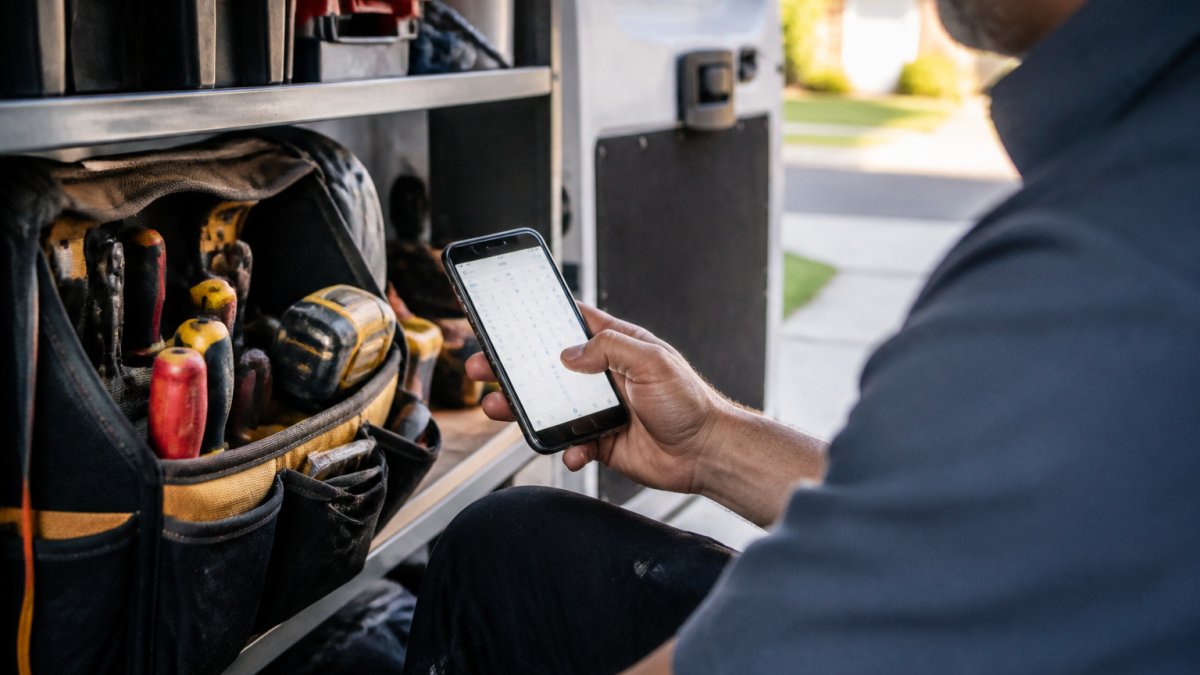
The workflow has four moving parts:
- A trigger. A new booking, a rescheduled job, or a time-based rule.
- A send rule. The delay before the message goes out.
- A message template. The text your customer reads.
- A reply path. Where responses land when someone answers.
Calendar triggers and scheduling software connections
The trigger is where most setups quietly fail. If your calendar and your texting tool do not talk to each other, you are sending reminders for jobs that moved or were cancelled.
A common approach is to connect through your scheduling software's built-in integration. If your tool does not offer one, you can connect through a shared calendar feed. Either way, test it with a real booking before you trust it.
Appointment Reminder Text Timing: When to Send Each Message
Appointment reminder text timing follows a simple pattern: one message well ahead of the visit, one the day before, and one on the morning of the job.
That three-touch structure gives customers a chance to reschedule early, then a nudge when it matters. A single last-minute text leaves no room for a customer to move the booking, so your slot goes empty.
| Message | When to send | Purpose |
|---|---|---|
| Advance reminder | 3-7 days before | Confirm the booking and offer an easy reschedule |
| Day-before reminder | 24 hours before | Set the arrival window and reduce no-shows |
| Same-day reminder | Morning of the visit | Confirm the tech is coming and cut "where are you" calls |
For longer jobs, such as a full HVAC install, add a fourth message a week out. For quick service calls, the day-before and same-day texts carry most of the weight.
Appointment Reminder Text Templates That Get Confirmations
Good appointment reminder text templates are short, name the business, state the time, and ask for one clear action.
Here are four you can copy and adjust:
Advance reminder
Hi [First Name], this is [Business] confirming your appointment on [Day, Date] between [Time Window]. Reply C to confirm, R to reschedule, or call [Phone].
Day-before reminder
Hi [First Name], reminder that [Technician] arrives tomorrow between [Time Window] for your [Service]. Please clear access to [Area].
Same-day reminder
Hi [First Name], [Technician] is scheduled for today between [Time Window]. You'll get a text when they're on the way.
Reschedule request reply
No problem, [First Name]. What day works better for you?
Keep each message under 160 characters where you can. It reads cleaner on a phone and keeps costs predictable.
Choosing Appointment Reminder Software for a Trades Business
Appointment reminder software for a trades business needs three things: a calendar connection, two-way texting, and a way to route replies to a real person. Everything else is optional.
Most platforms on the market cover the basics. The difference shows up in how they handle a customer who replies with a question instead of a confirmation, and in how much setup work lands on your plate.
What to look for in a platform
When you compare options, score each one against these criteria:
- Calendar sync depth. Does it read and write to your scheduling system, or only read? Two-way sync means a reschedule in the texting thread updates the calendar automatically.
- Reply routing. Where do replies land? A shared inbox, a specific staff member, or an automated responder? If replies go nowhere, the automation is a one-way broadcast.
- Message segmentation. Can you send different templates by service type, technician, or job length? A single template for every booking reads as spam.
- Opt-out handling. Does the platform automatically suppress future messages when someone replies STOP, and does it log that consent change?
- Delivery reporting. Can you see which messages were delivered, which bounced, and which got a reply?
- Time-zone awareness. If you serve customers across multiple time zones, does the platform send in the customer's local time?
DIY automation vs. dedicated platforms
You can build reminders yourself using a calendar plus a texting tool. It works, and the setup cost is low. The catch is maintenance: every time you add a technician, change a service, or adjust hours, you are editing the setup yourself.
A dedicated platform handles the messy parts. It can answer a call, qualify the job, book it, and send the reminder without anyone touching it.
| Approach | Best for | Main trade-off |
|---|---|---|
| DIY calendar + texting tool | Very small teams testing the idea | You maintain every change yourself |
| Dedicated reminder platform | Teams with steady booking volume | Higher monthly cost |
| Full front-desk automation | Businesses losing calls after hours | Requires setup and onboarding |
Integration mechanics: how the connection actually works
Most scheduling tools expose one of three connection types:
- Native integration. The texting platform and the calendar are built to talk to each other. You authorize the connection once, and bookings flow automatically. This is the most reliable option.
- Calendar feed (ICS or API). You share a calendar feed or connect through an API key. This works when no native integration exists, but it is typically read-only, so reschedules in the texting thread do not update the calendar.
- Zapier-style middleware. A third-party automation tool watches for new calendar events and triggers a text. This is flexible but adds another subscription and another point of failure.
Whichever path you choose, test it with a real booking before you trust it. Create a test appointment, confirm the reminder fires, reply to the reminder, and verify the reply reaches a person. Then cancel the test booking and confirm no reminder goes out.
This is where Global Velocity fits. Our AI employees answer calls in under two seconds, book the job, and trigger reminders from the same system, so nothing gets re-entered by hand. Setup is managed by our team, which means you keep working while it goes live.
Consent, Opt-Outs, and Compliance for Business Texting
Business texting in Canada falls under federal anti-spam law, and the rules apply to appointment reminders the same way they apply to marketing. You need consent before you send, and you need to identify your business in the message.
The practical challenge is not knowing the rules. It is building a workflow that captures consent at the right moment and handles opt-outs without manual effort.
Capturing consent at booking
The cleanest place to get consent is the booking step. When a customer calls or books online, your intake process should include a clear statement that you will send appointment reminders by text, and a way for them to agree. Record the date, time, and method of consent alongside the customer record.
If you use a booking form, add a checkbox that is unchecked by default. If you book by phone, have your staff read a short script and log the customer's verbal agreement. The key is that consent is explicit, not assumed.
Handling opt-outs automatically
When a customer replies STOP, your system should:
- Suppress all future automated messages to that number immediately
- Log the opt-out with a timestamp
- Notify your office so staff know not to text that customer manually
- Keep the record permanently, even if the customer later books again
Most dedicated texting platforms handle the suppression automatically. If you are using a DIY setup, you need to build this logic yourself, which is one of the hidden costs of the DIY approach.
What every reminder message should include
- Your business name
- A clear opt-out path, such as replying STOP
- A way to reach a person, such as a phone number or a reply keyword
Two-way texting as a compliance tool
Two-way texting is not just a feature here. It is how you handle opt-outs, reschedule requests, and cancellation messages cleanly, without anyone digging through a phone log. When a customer replies STOP, the system suppresses future messages. When they reply R to reschedule, the request routes to a person who can act on it. When they reply with a question, someone answers.
Check the Canadian Radio-television and Telecommunications Commission guidance on commercial electronic messages for the current requirements, since the rules are set at the federal level and updated from time to time.
Record-keeping and audits
Keep a log of consent and opt-out events for as long as you retain customer records. If a complaint ever arises, the log is your evidence that you followed the rules. A simple spreadsheet works for small teams, but most texting platforms include this reporting automatically.
Common Mistakes That Sink Reminder Workflows
The biggest mistake is treating reminders as a one-way broadcast. Customers reply, and nobody is watching the inbox.
A common mistake is measuring success by messages sent rather than jobs kept. Track confirmations, reschedules, and no-shows instead. That is the only scoreboard that matters.
Conclusion: Start With One Reminder, Then Expand
The real challenge is not sending texts. It is keeping your calendar, your replies, and your bookings in sync as you grow, because a reminder system that runs on manual updates will eventually fall behind.
Global Velocity handles that layer for trades and service businesses. Our AI employees answer calls around the clock, qualify the job, and book it into a system that triggers reminders automatically.
Book a Free Demo with Global Velocity.
Frequently Asked Questions
Can you automate appointment reminders via text?
Yes. You can connect your booking calendar to a texting tool or scheduling platform so a reminder message goes out automatically at set intervals before each job. A pragmatic randomized study from Kaiser Permanente Washington Health Research Institute (2022) found that targeted text-message appointment reminders can reduce missed clinic appointments, though the supplied results did not include numerical outcomes. For trades and service businesses, the same principle applies: automated reminders reduce manual calls and keep your schedule full.
How far in advance should an appointment reminder text be sent?
Most businesses send two reminders: one 24 to 48 hours before the appointment and a shorter same-day reminder a few hours ahead. The right appointment reminder text timing depends on your service type. A plumbing emergency might only need a two-hour heads-up, while an HVAC installation booked a week out benefits from a 48-hour confirmation message plus a morning-of reminder. Test different intervals and track confirmation rates to find what works for your clients.
What should an automated appointment reminder text say?
A strong reminder includes the business name, appointment date and time, technician or service type, and a clear way to confirm or reschedule. Keep it under 160 characters where possible. For example: 'Hi [Name], this is [Business]. Your [service] is booked for [date] at [time]. Reply C to confirm or R to reschedule.' Appointment reminder text templates like this give clients a simple action and reduce back-and-forth calls.
Is it legal to send automated appointment reminders by text in Canada?
Yes, but you need consent. Canada's Anti-Spam Legislation (CASL) requires express or implied consent before sending commercial electronic messages, and appointment reminders from a business generally fall under this. Include a clear opt-out mechanism in every message, such as 'Reply STOP to unsubscribe.' Most appointment reminder software handles opt-out management automatically, but you remain responsible for keeping consent records and honoring unsubscribe requests promptly.